
Discount A10 AirTTL-F Studio Light for Fuji Flashes & Accessories
$182.00
Overview The Profoto A10 AirTTL-F Studio Light for Fuji is a must-have for ph…
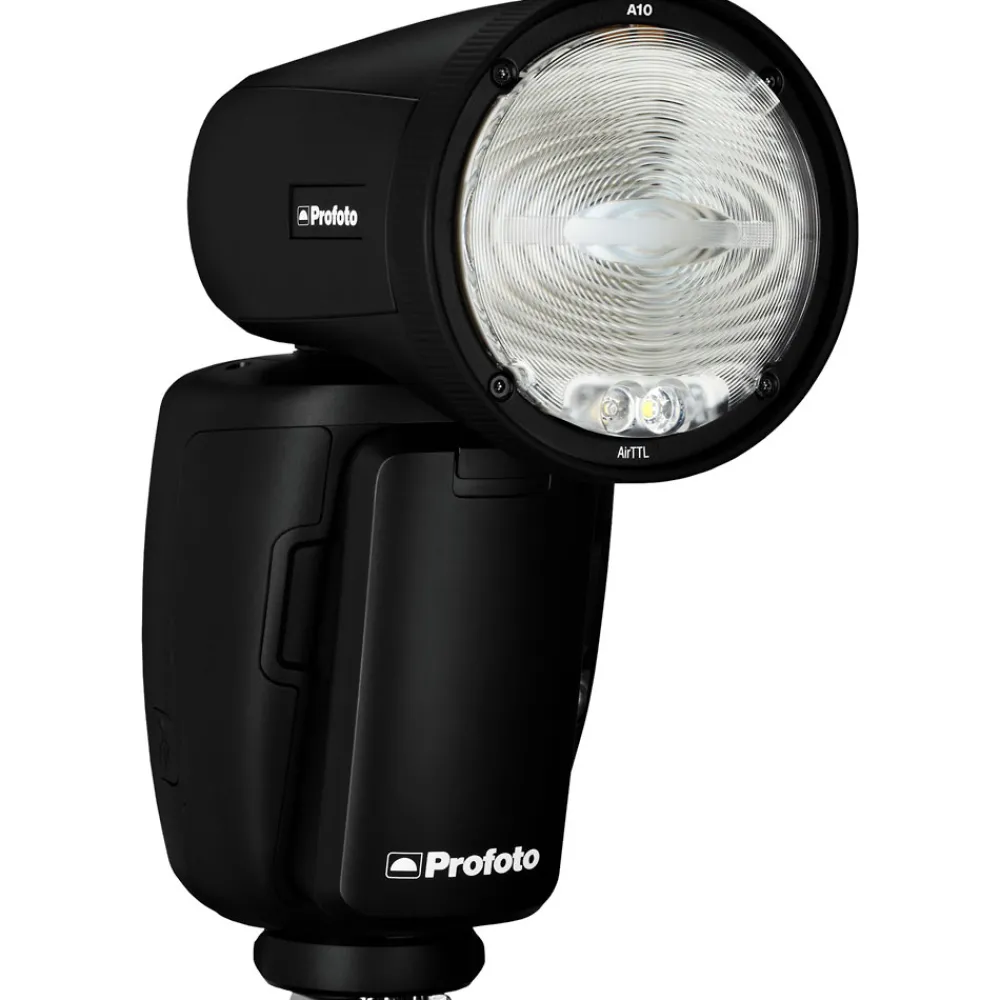
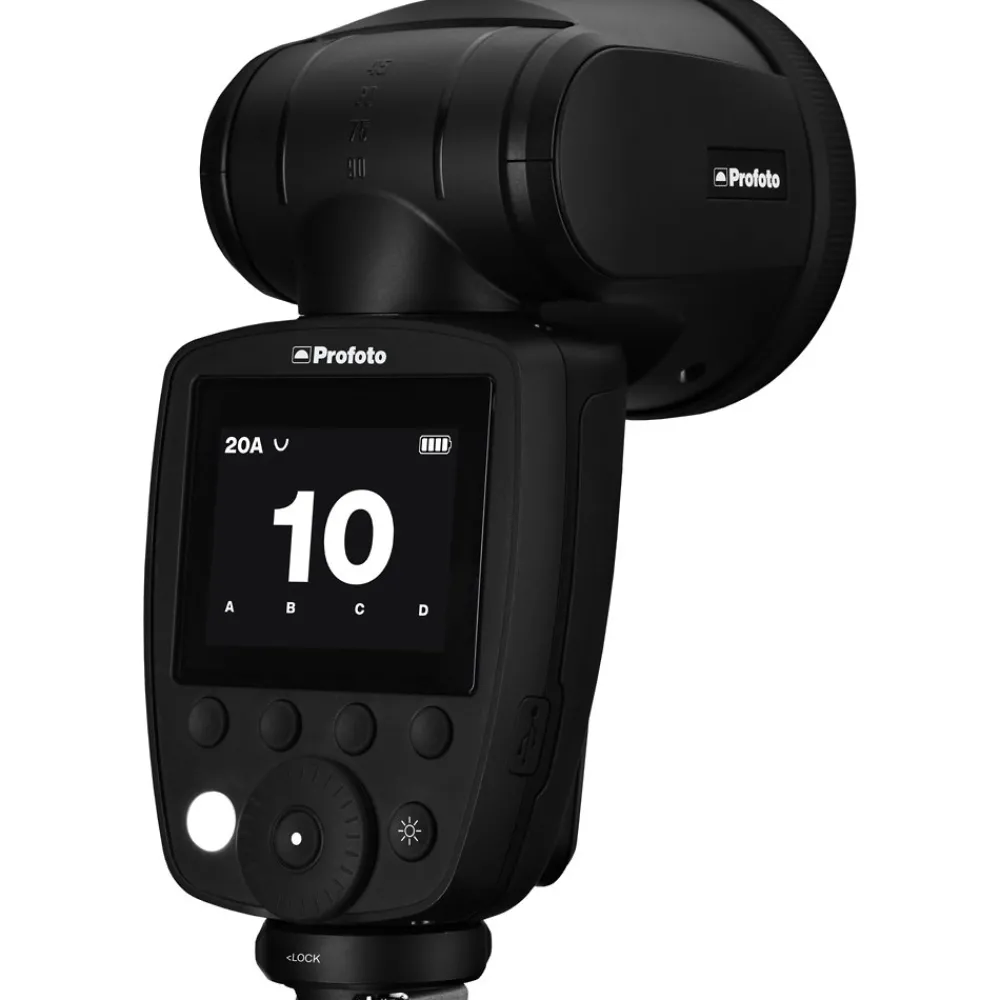
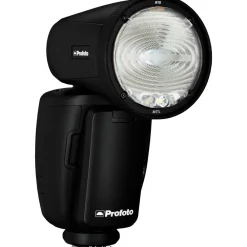
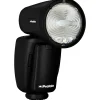
The Profoto A10 AirTTL-F Studio Light for Fuji is a must-have for photographers looking to take their lighting game to the next level. This powerful and versatile light has been upgraded with Bluetooth-enabled AirX technology, which allows you to download new firmware via the Profoto app and even control the A10 using your smartphone. This particular model features a hot shoe connection for compatibility with Fujifilm camera bodies.
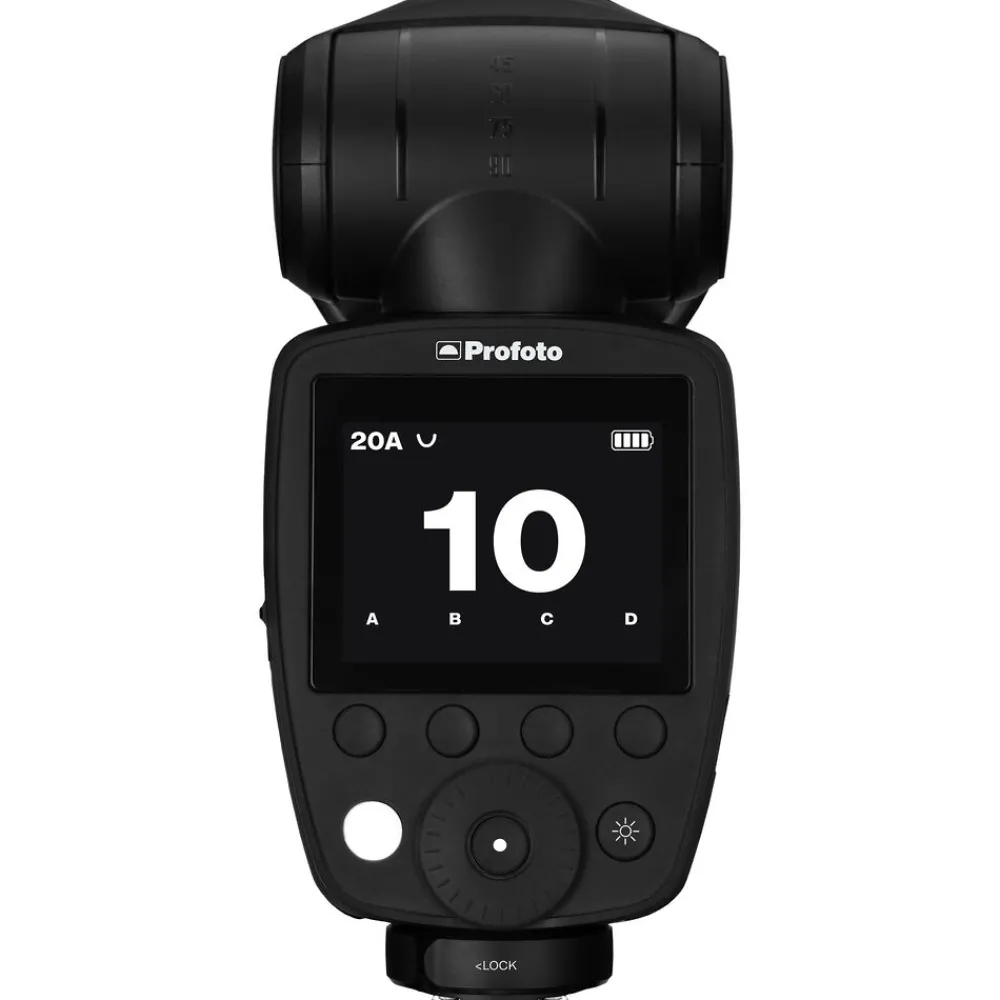
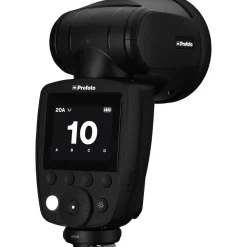
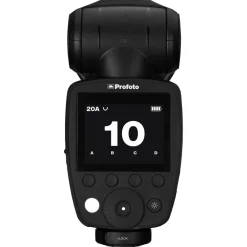
With a large intuitive user interface, the Profoto A10 is easy to use and doesn’t require reading a lengthy instruction manual to master. It also has built-in AirTTL and HSS (high-speed sync) capabilities, allowing you to achieve professional results quickly and easily.
In addition to its on-camera capabilities, the Profoto A10 Fujfilm-compatible model can also be used as a standalone unit with its high-capacity exchangeable Li-Ion battery that lasts up to four times longer than AA batteries. The Profoto A10 Fuji also has a fast recycle time of 1.0 seconds at full power, ensuring you’ll never miss a shot.
Features:
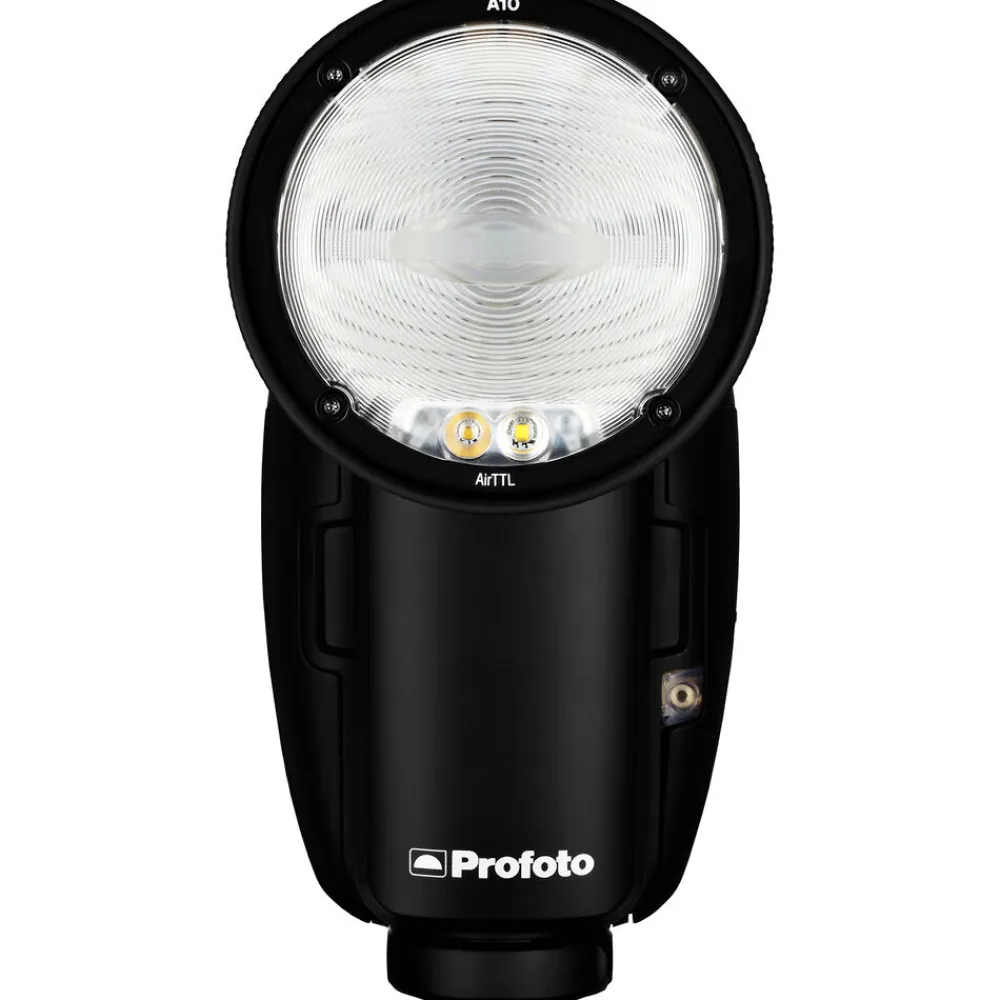
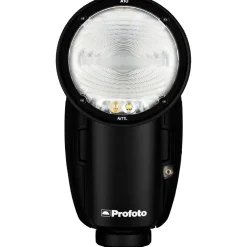
- Round flash head design for natural light with smooth fall-off.
- Compatible with all magnetic Profoto Clic Light Shaping Tools.
- Compatible with all Profoto Air, AirTTL, and Connect triggers.
- Smart Connectivity with Profoto app for iOS.
- Built-in AirX Bluetooth sync technology for future-proof compatibility with mobile cameras.
- Clean and easy user interface with large hi-res display.
- Extremely fast flash recycling
- Exchangeable and rechargeable Lithium-Ion battery with high capacity.
- Flash head with 90˚ tilt and 360˚ rotation.
- Laser AF-assist and LED modeling light.
- Auto or manual zoom for flash and modeling light.
FAQs
How Do I Update My Profoto A10 AirTTL-F Studio Light for Fujifilm?
To update your Profoto A10, make sure it is fully charged and connected to the internet. Open the Profoto app on your smartphone or tablet and go to the “Firmware” section. If a new update is available, follow the prompts to download and install it. Alternatively, you can update the firmware by connecting the A10 to a computer with the supplied USB cable and following the instructions on the Profoto website. It is important to regularly check for and install updates, as they often include new features and bug fixes that can improve the Profoto A10’s performance and functionality.
Can You Use the Profoto A10 AirTTL-F Studio Light Wirelessly?
Yes, the Profoto A10 has built-in wireless capabilities and can be triggered and controlled remotely through the use of a smartphone or Profoto Air Remote. The A10 is not only controlled via smartphone but can also serve as a light to capture photos on your phone.
- Bounce Card
- Dome Diffuser
- Battery Charger
- Li-Ion Battery
- Bag with Shoulder Strap
- Flash Stand
- Micro-USB Cable
- Limited 2-Year Warranty
Be the first to review “Discount A10 AirTTL-F Studio Light for Fuji Flashes & Accessories”
Related products
Lenses & Accessories
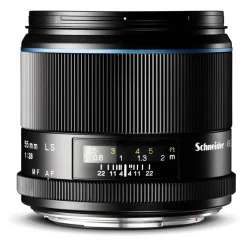
Lenses & Accessories
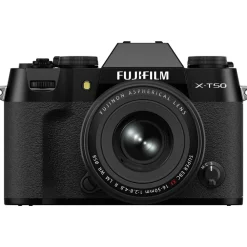
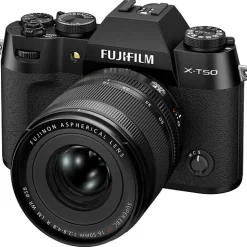
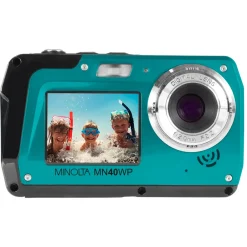
Lenses & Accessories
Sale Laowa 100mm T2.9 2x Macro APO FF Cine Lens for ARRI PL Macro Lenses
Lenses & Accessories
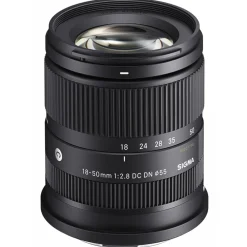
Online 18-50mm f/2.8 DC DN Contemporary Lens for Sony E Zoom Lenses
Lenses & Accessories
Lenses & Accessories
Lenses & Accessories
Lenses & Accessories
Lenses & Accessories
Reviews
There are no reviews yet.